Keep editing
Editable project package
Save a backup with your original images. On another Mac, Windows PC, or browser, choose Import package in Studio to continue editing.
Beautiful property tours.
Hosted on your own website.
Connect your 360° photos, add a floor plan, and export a tour buyers can walk through.
Studio stitches supported Insta360 X3 photos on the fly as you import them. No separate stitching app needed.
See the camera workflow
Free beta through December 31, 2026 (Eastern).
Use compatible web hosting; your usual website costs still apply.
A note from the founder
I’ve worked in 360° since 2003 because I love the art of it. I started 360Heros in my garage in 2011. I believed a patent would protect what we built. I lost our small family company defending it. After 12 years of fighting for inventors’ rights, I’ve seen how corporate greed and millions of dollars can wear down a small inventor. I put my experience on the record with the USPTO in 2020.
At 360Rize, we built a network of roughly 10,000 producers. I still talk with many of them today. A few people acted like they owned the 360° world, well they do not, it belongs to everyone who creates in it. We shared our passion for the art and we may have lost millions but at least I sleep well knowing how we treated the people who helped us build it.
The people who make the work should decide where it lives and how it’s used.
360 Studio Builder makes it easy to turn 360° photos into a tour and publish it on your own website. Studio stitches supported Insta360 camera photos and accepts stitched panoramas directly from the cameras. You keep the files and can host your tour without a separate tour-hosting subscription. Try it on a real project and tell me what we can do to make it better.


Working with the House and Senate to make a difference for independent inventors.
Michael Kintner and 360Heros 2019 letter to the Patent Public Advisory CommitteeTry a real Portville property tour. Move between rooms, explore the grounds, and see how every space connects.
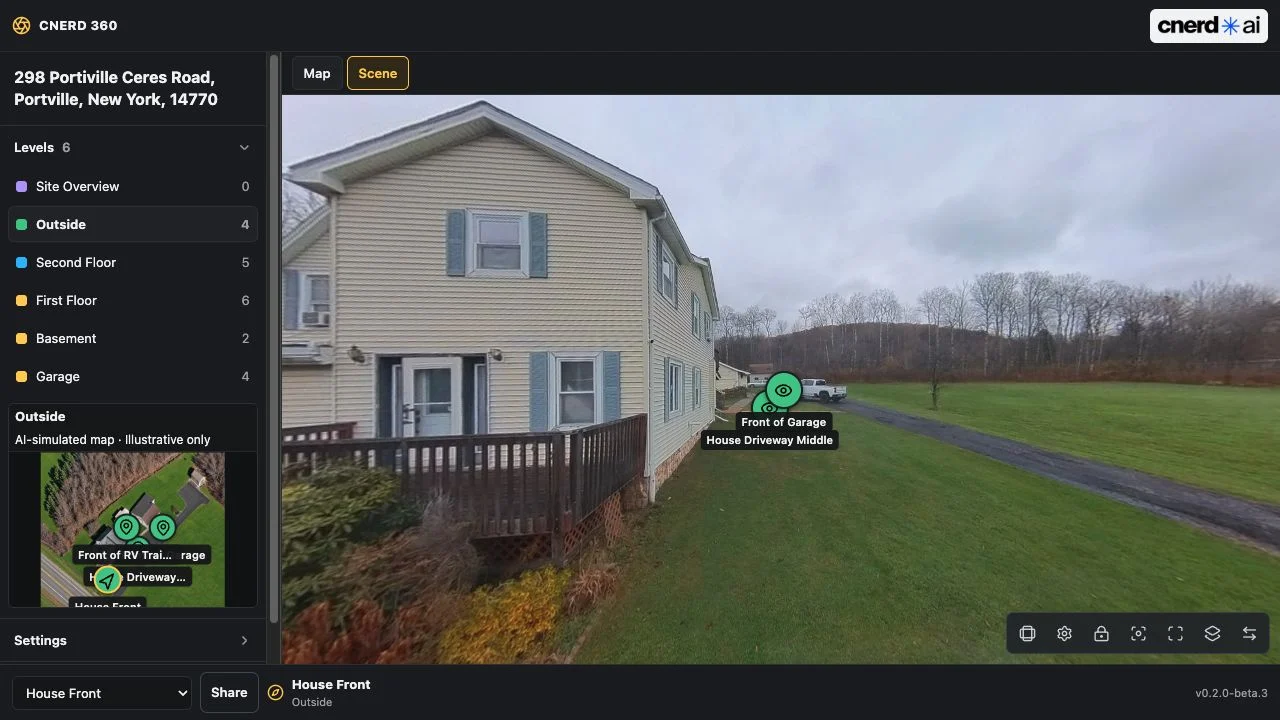
Explore 21 viewpoints across six levels and areas.
Enter the interactive tourPortville, New York. Actual property tour with illustrative maps.
Open tour in a full windowTry it yourself: open Studio and choose Try sample project for your own editable local copy.
A simple workflow for your next listing, rental, or commercial space.
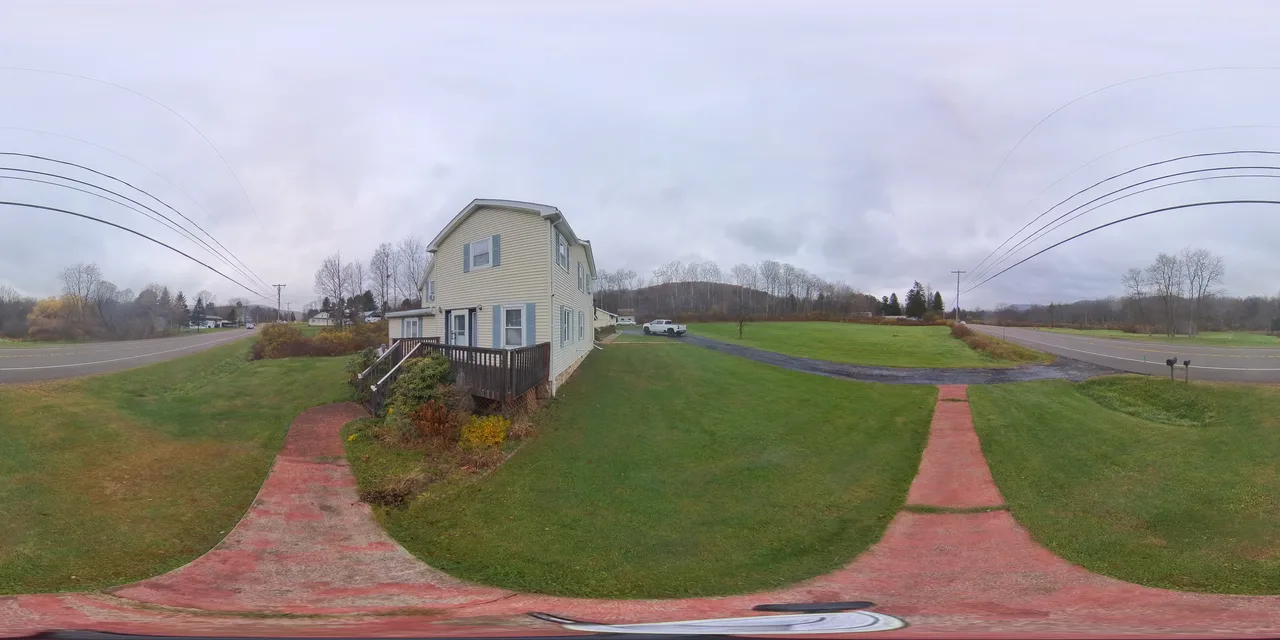
Take a 360° photo at each viewpoint. Use your camera’s software to export stitched, full-sphere JPEG or PNG images.
Add the panoramas to Studio. Name each space so it is easy to find, from the living room to the backyard.
Place hotspots to link viewpoints. Add your own floor plans or maps, organize levels, and build a guided route through the property.
Choose a web bundle for your website, an editable backup for later, or a client tour for offline presentations.
See which export to chooseKeep the project you can edit. Share the tour buyers can explore. Each export has a clear purpose.
Save a backup with your original images. On another Mac, Windows PC, or browser, choose Import package in Studio to continue editing.
Export, unzip, and upload to hosting that serves HTML, JavaScript, and media. Link to the tour from your listing, or embed it using your website’s iframe feature.
Give your client both files. Open the player in a browser and choose the tour package. Included media works offline; YouTube and linked websites need internet.
Move editable projects between devices with an export and import; projects do not automatically sync. Client tours and web bundles open for viewing, not continued editing.
Help buyers understand the property before they arrive. Give sellers a presentation they can share.
Try the builderLink panoramas with navigation hotspots so visitors can move naturally through the property.
Add floor-plan images or maps, place viewpoints, and organize the property into levels and outdoor areas.
Arrange a guided presentation. Add information, images, and video to highlight the details that matter.
Share a tour from compatible hosting you control. Keep your exported files without a required CNERD hosting subscription.
Capture each space with a 360° camera and a stable support. Bring your photos into Studio to build your tour.
Paid links. As an Amazon Associate I earn from qualifying purchases.
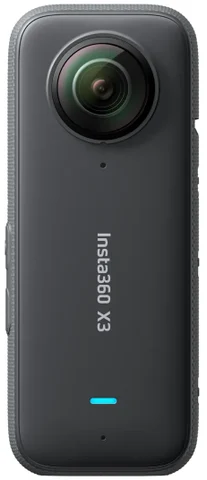
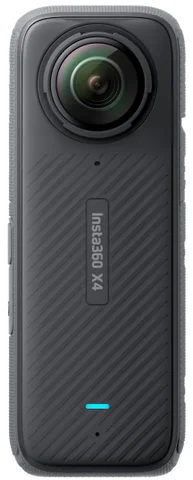
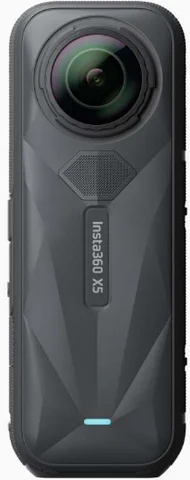
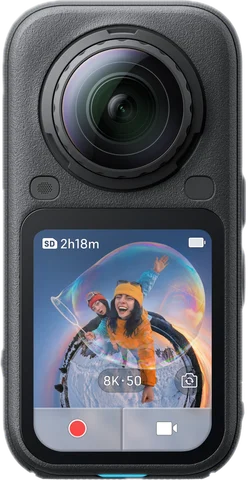
Product images courtesy of Insta360.
Import supported Insta360 X3 photos directly, or bring in stitched 2:1 full-sphere JPEG or PNG panoramas. Cameras and camera software are purchased separately.
Pick your Insta360 X3 folder and let Studio group, stitch, and process supported photos. Start with the automatic results, then fine-tune the shots you want.
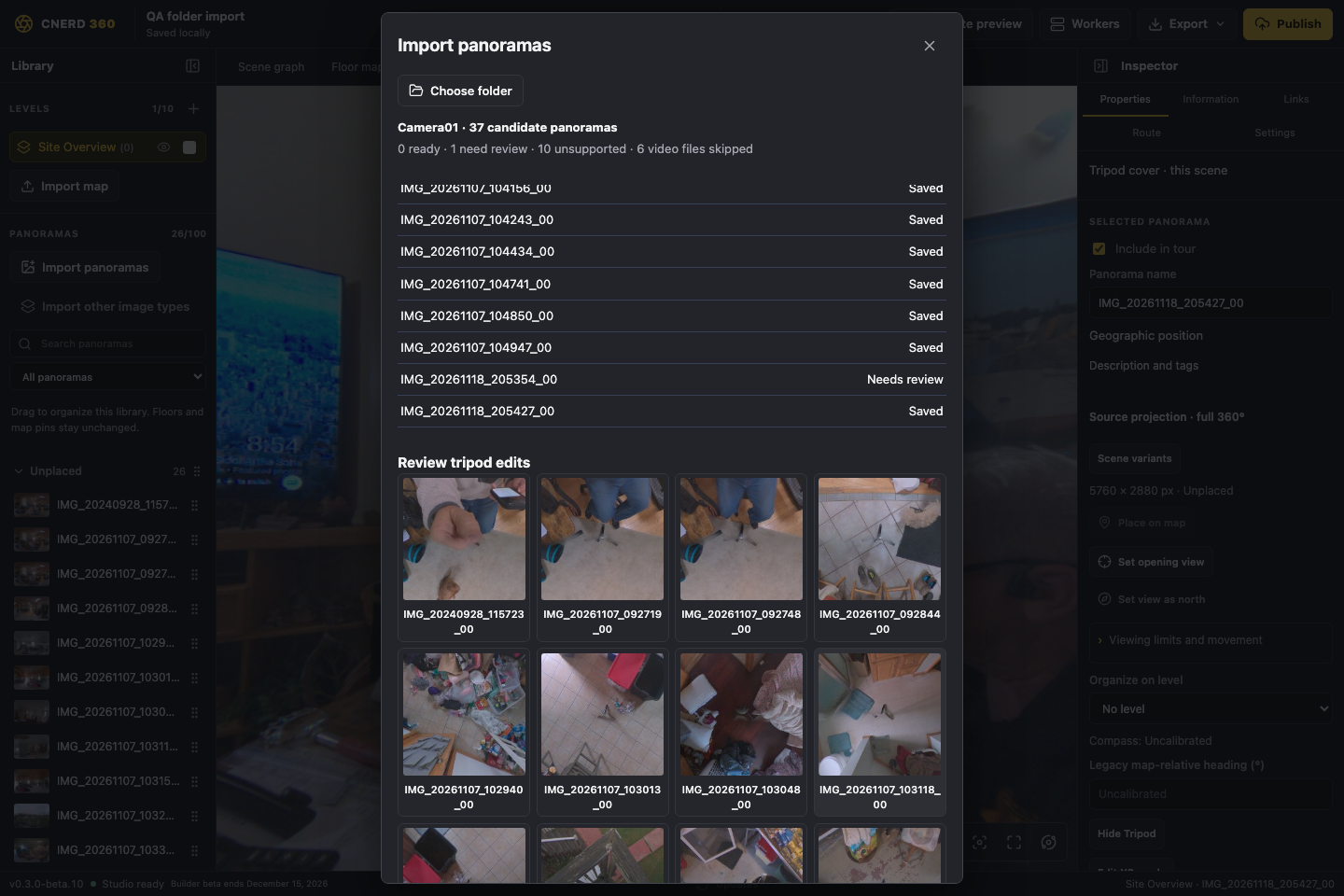
Choose a camera folder. Studio finds supported captures and groups bracketed exposures for you.
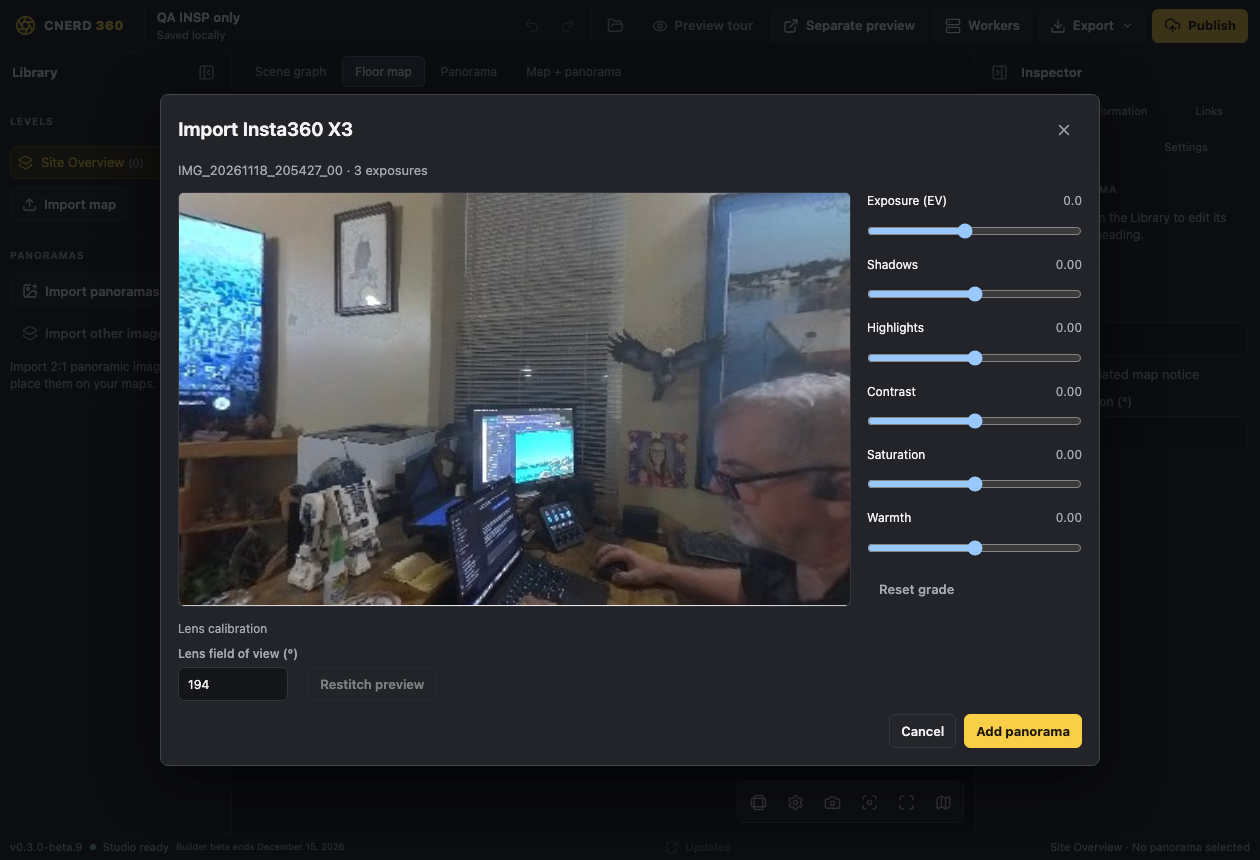
Studio stitches supported X3 photos and merges supported DNG brackets into HDR panoramas as it processes the batch.
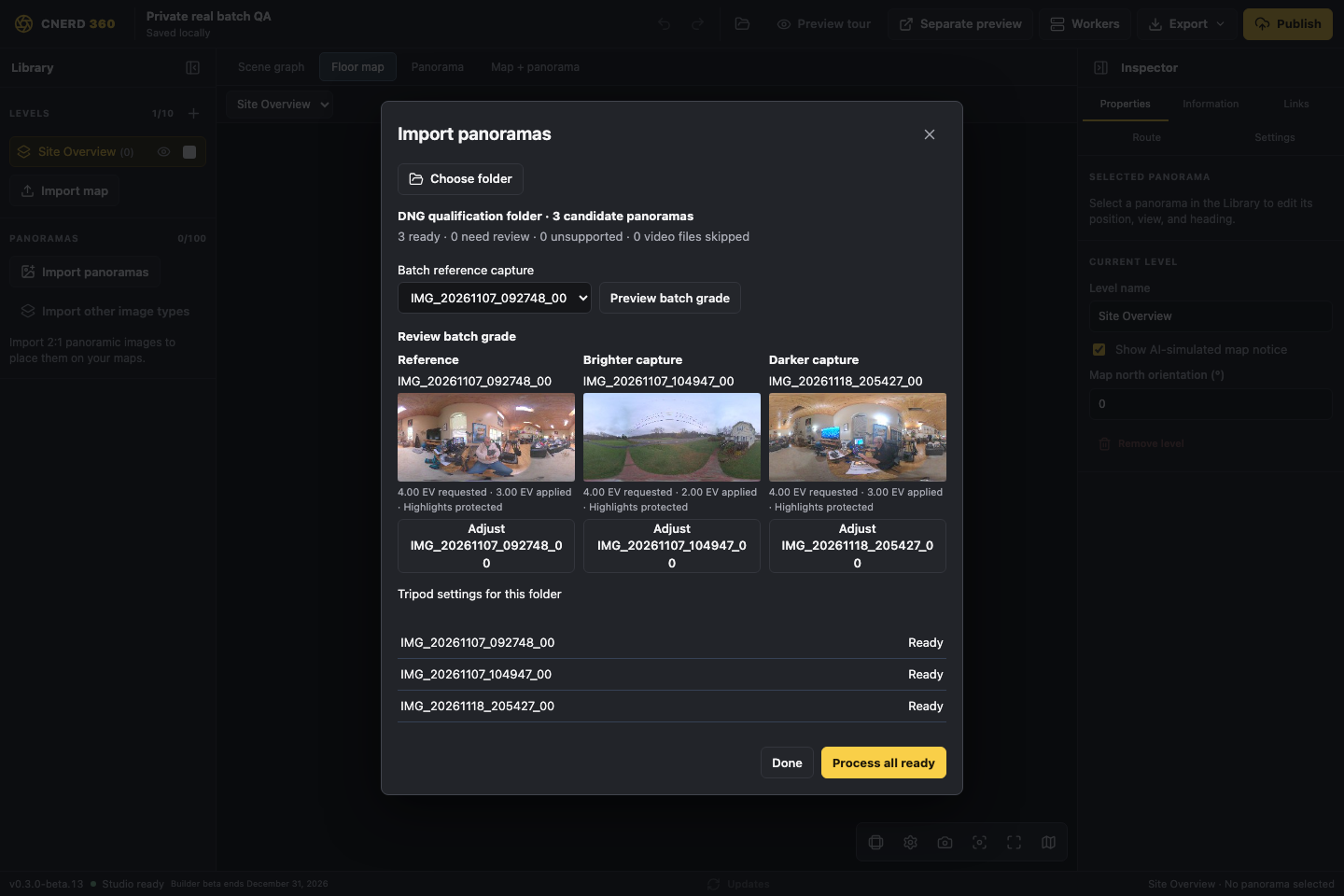
Use one reference shot to grade the batch. Adjust individual photos for tricky lighting or fine detail.
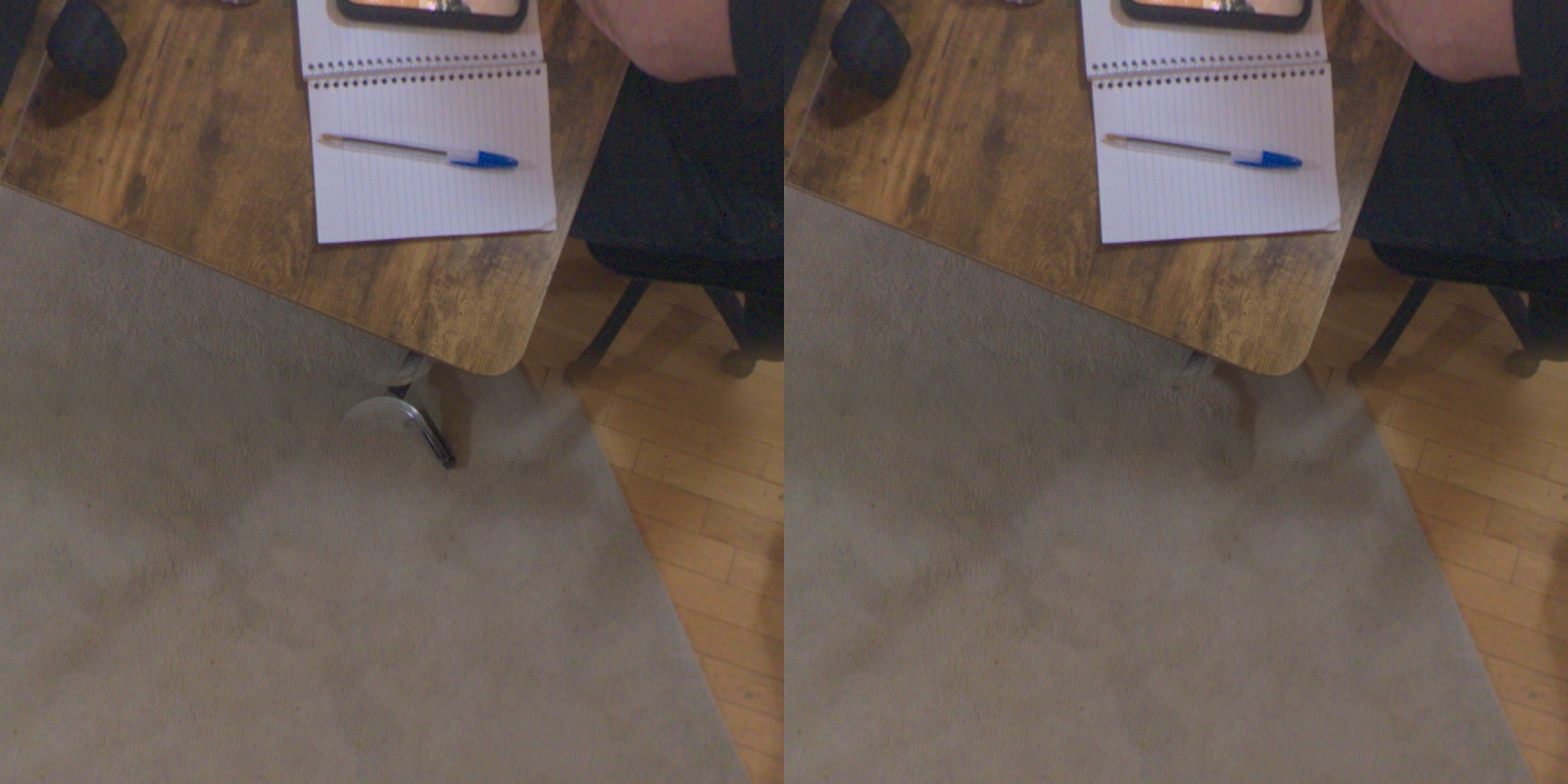
Look straight down to review Studio’s automatic floor patch, also called a nadir patch. Or choose a transparent PNG logo to cover the tripod across the batch.
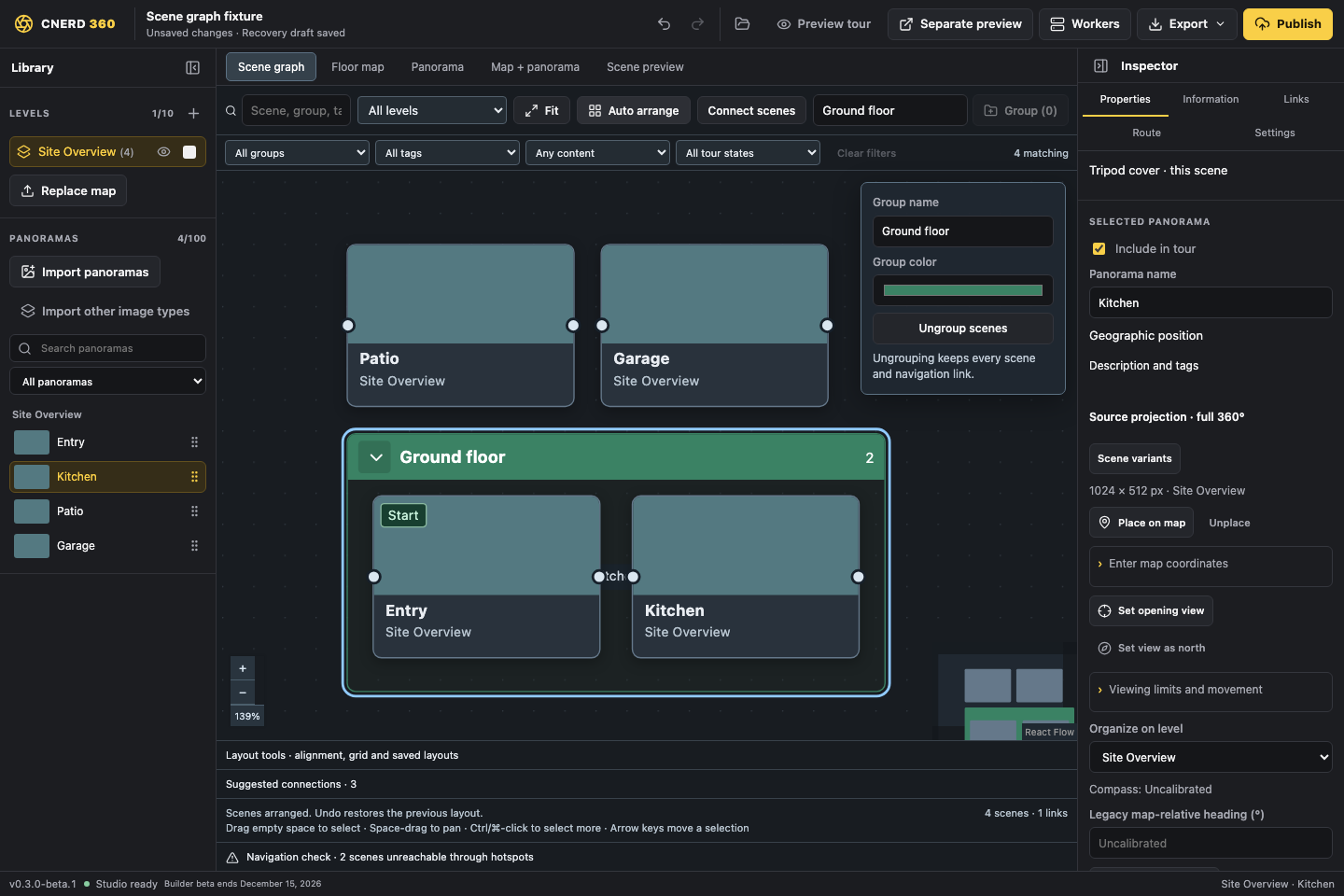
Drag a connection between two rooms to make a hotspot. Auto-arrange the graph, group rooms by floor, and preview where each link takes visitors.
Processing time depends on your device and the number of captures.
Early planning and the builds that brought the camera-to-tour workflow together.
Batch grading with highlight protection, adaptive sharpening, and individual capture adjustments.
Improved RAW stitch detail, folder import, and individual sharpening controls.
Added X3 panorama import and qualified HDR bracket alignment and portable backups.
Added a visual scene graph and panorama library workflow, followed by a dashboard for published tours.
Opened email-verified beta downloads for Mac and Windows through the CNERD Shop.
Mac delivery and protected tour publishing.
Began planning the 360° tour-building workflow.
Create and export 360° tours on Mac, Windows, or in your browser. The beta is free through December 31, 2026 (Eastern).
Mac with Apple silicon or Windows x64. Verify your email to access the downloads.
Enjoy 360 Studio Builder free through December 31, 2026, the tentative beta end date. Starting January 1, Eastern time, saving, exporting, and publishing in the beta stop. Existing tours remain viewable, and projects can be opened for viewing or in-memory edits. Export your editable backups before the cutoff.
Exported web tours can be uploaded to your own compatible hosting. The CNERD publisher is owner-managed.
Direct hosting requires support for static HTML, JavaScript, and media files. A website that permits iframe embeds can display a tour hosted elsewhere. Check your provider’s plan and embed rules; compatibility with every provider is not guaranteed.
Studio supports selected Insta360 X3 photo sources, including bracketed DNG captures, and stitched 2:1 JPEG or PNG panoramas. For X4 and X5, export a stitched panorama with the camera software before importing it into Studio.
Yes. Export a client tour package and open it with the offline HTML player. Include your uploaded media in the package. Linked websites and YouTube content still require internet access.
Get CNERD 360 Studio Builder beta and release updates.
Join the dedicated CNERD 360 Studio Builder email list.
Get beta updatesSign up securely through Constant Contact. You can unsubscribe from any email.
Ready to explore? Download the free beta.